
This guide explains the most common error pages you may encounter in ALICE and how to troubleshoot them. Jump to the following sections:
Issue:
Access denied
Solution:
Your account doesn't currently have permission to access the requested project, plan, or solution.
This usually happens because:
- The project hasn't been shared with you.
- Your access permissions were removed.
Try the following:
- Contact the project owner to verify your access permissions.
- Once your access has been granted or restored, refresh the page and try again.
If you believe you should already have access but continue to see this error, contact your Customer Success Manager for further assistance.
Issue:
Not found
Solution:
The item you're trying to access couldn't be found.
This usually happens because:
- The project, plan, or solution has been deleted.
- The link is outdated or incorrect.
Try the following:
- Return to My Projects and navigate to the item from there.
- Verify that the URL is correct.
If you believe the item should still be available, contact your Customer Success Manager.
Issue:
Something went wrong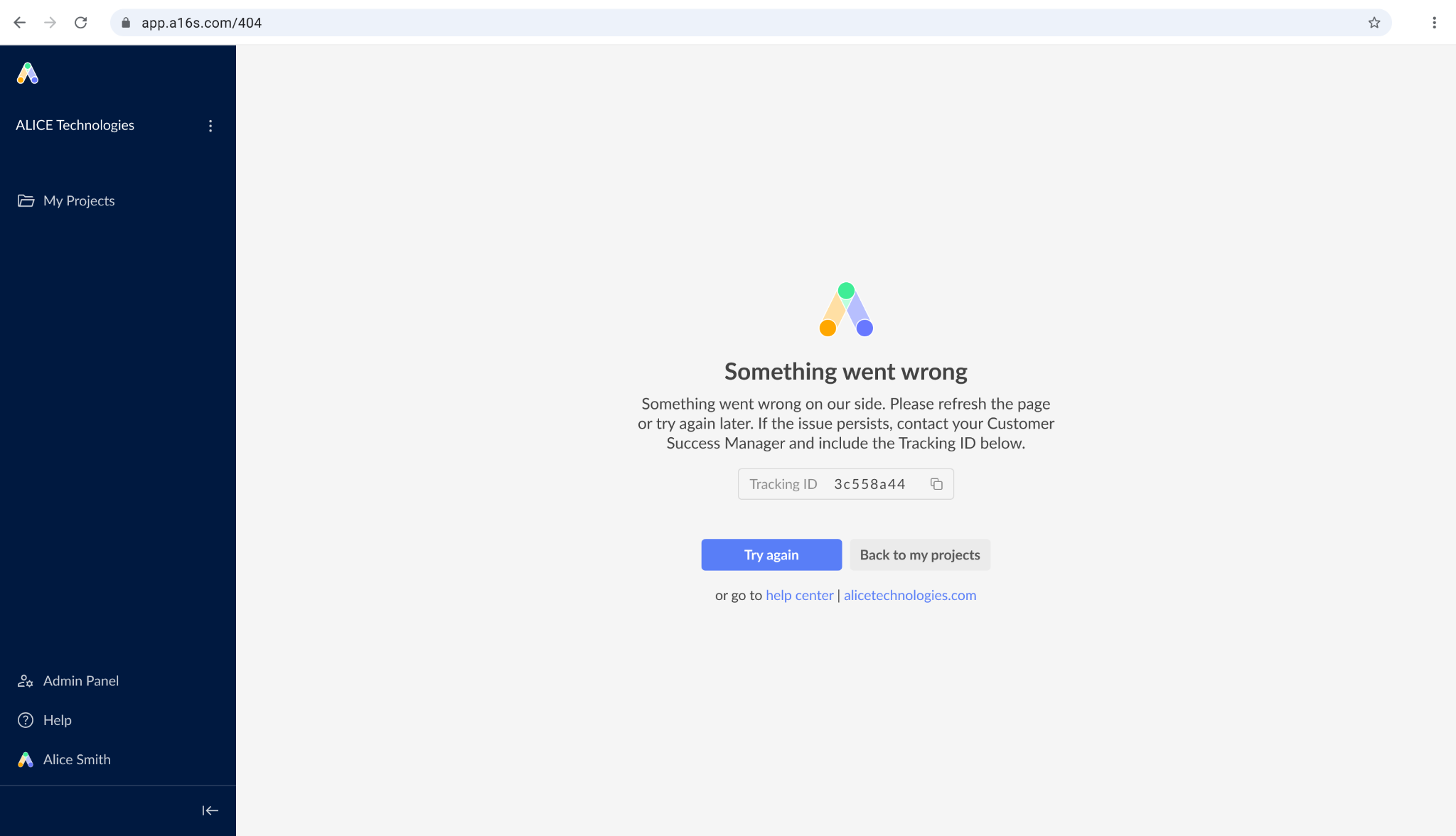
Solution:
You may see either a "Something went wrong on our side" or an "Unexpected error" message when ALICE is unable to complete your request.
This usually happens because:
- A temporary platform issue occurred.
- An unexpected error interrupted the request.
Try the following:
- Refresh the page.
- Try the action again.
- If the issue persists, contact your Customer Success Manager and include the Tracking ID shown on the error page.
If possible, also include:
- The steps you were performing before the error occurred
- The URL of the project or plan you were working in
Issue:
Network issues
Solution:
Your request couldn't be completed because of a network connectivity issue.
This usually happens because:
- Your internet connection was interrupted.
- A VPN, proxy, or firewall is blocking the connection.
Try the following:
- Verify that your internet connection is working by opening another website.
- Refresh the page or click Try again.
- If you're connected to a VPN, disconnect and try again.
- If you're on a corporate network, check with your IT team that your connection isn't being blocked. Some organizations may need to whitelist ALICE domains.
If the issue persists after your network connection has been restored, contact your Customer Success Manager.